An empathy map is a visualization tool that enables getting deeper insights into the needs of the people you are designing or developing a product for.
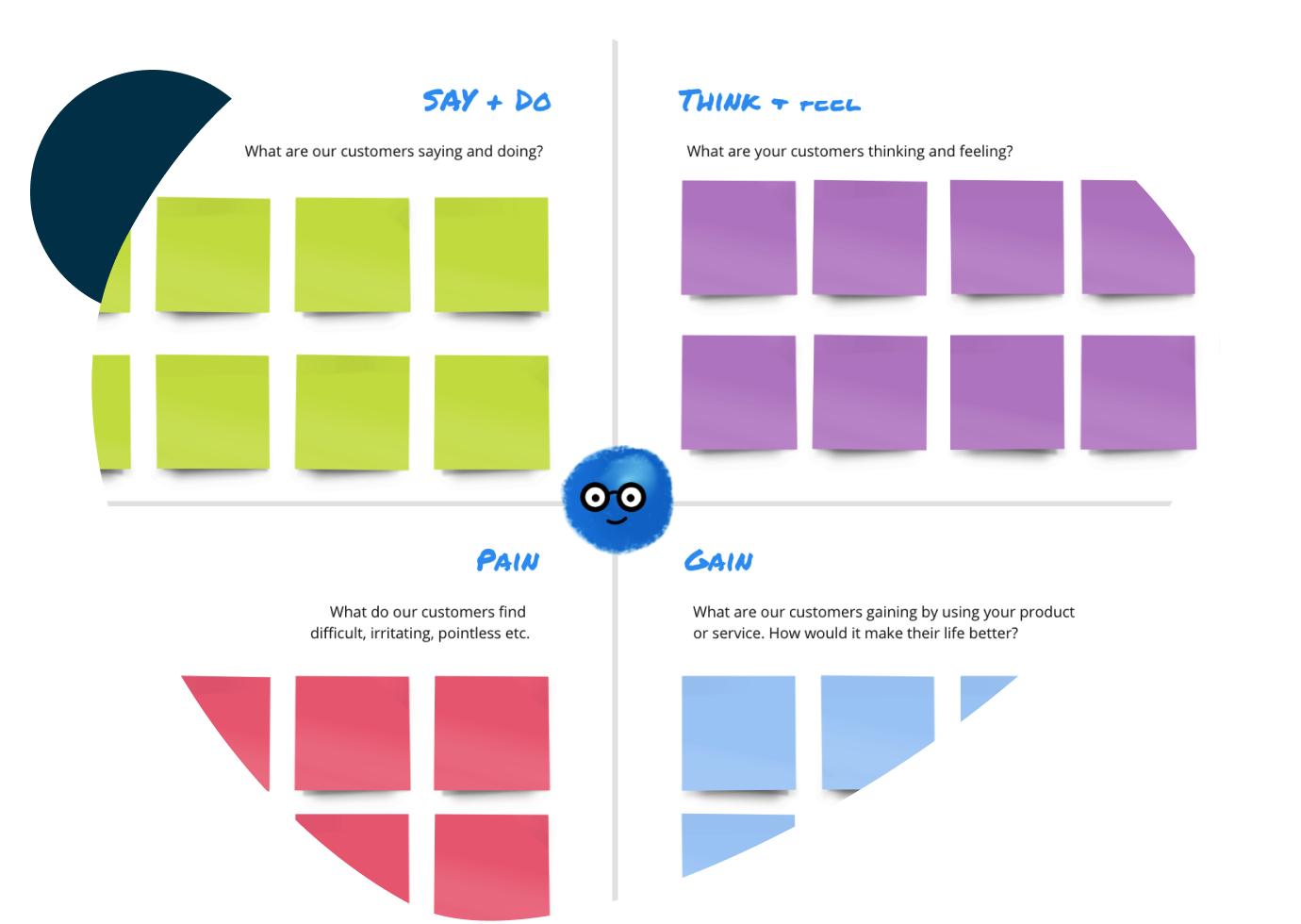
Empathy Maps help enable more effective product strategies, sales pitches, and overall business strategy. Teams can deliver more effective solutions or develop products that are more in tune with customer expectations.
Before having to make an important decision. Whenever you need to empathize with your customers.

30 min

60 mins

4+
Team members involved in research and product
Gather all the qualitative research results and the information of the defined personas to use them in filling the tool. If you’ve got more than one persona, then each needs a map.
Capture the outside world of the persona.. Start with mapping what they ‘say’. That is, what the user, for example, said during a usability test or what we would imagine them say if they were to use a product or tell others about it. Ex. this is not reliable / this is easy to use.
‘Think’... this is all about what the customer might be thinking during the experience. Think here of the gains or what matters to the user (wants + needs)? What are the pains (fears, frustrations)? Ex. they might think it is intimidating to use a product / or they don’t understand how a product is useful to them.
‘Do’... this is all about the actions that the user takes to use the product. This could be behaviors you observed the user taking or ones you assume they would do. Ex. ‘comparing prices online’ / ‘clicking a button without understanding what it does’.
‘Feel’... this is all about the emotions of the user. Specify the adjective of the emotion and what has caused that. Ex. confused: too many features.


EMPATHY MAP
Try it for yourself using the pre-made activity template.
Our templates have been created using Miro, a digital whiteboard tool. If you’re new to the tool you can check out this demo or reach out to a member of the design team for support.
If you’d like help with planning or facilitation, reach out to one of HP’s design thinking experts and we’ll work to help understand the challenge and get you started.